

Here you will find answers to Frequently asked questions all about products & orders.
To the FAQs
Creativity requires No complicated programmes – with our user-friendly online designer Design your printed products directly on drucks.ch. With the a wide range of options Create your desired design easily, quickly and without needing any graphics software.
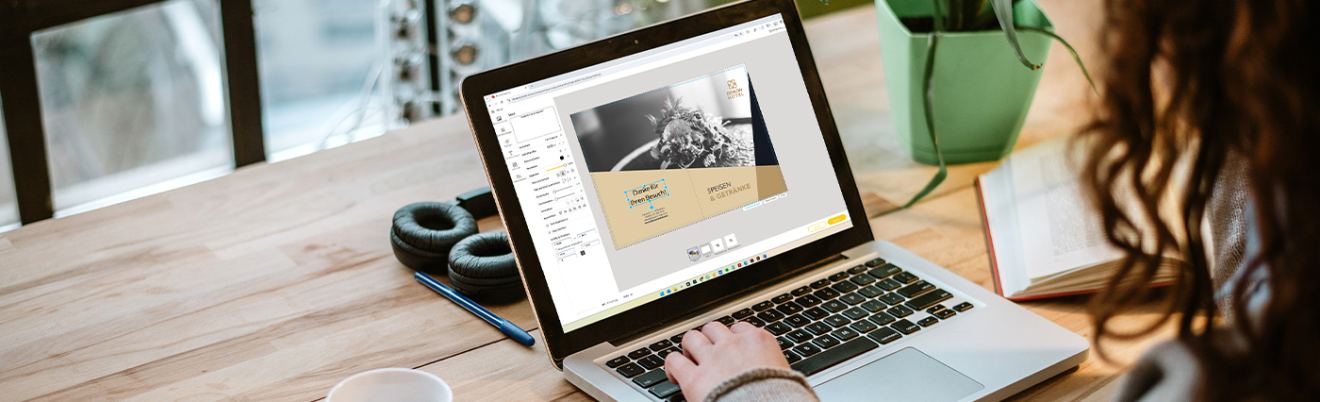
In the first step, select all the desired specifications for your printed product – including material, format, quantity, production speed and other options relevant to your order.

Design your own printed product exactly as you wish using our user-friendly online designer. Choose from a wide range of templates, customise colours, fonts and elements – or let your creativity run wild and create your own design.

Save your finished design and add your print product to the basket. Simply follow the ordering process and your order will be complete, with your custom print job created.

Discover our Most popular print products, which can be accessed directly Designed using the online designer can be selected. For almost all products, you have the Online designer on the product page Available under the ‘Print Data Creation’ section – ideal for quick and hassle-free print orders without your own print data.
Yes, the online designer offers ready-made templates for a wide variety of print products. Find inspiration or customise the design templates to suit your needs by adding your logo.
Yes, you can continue your design process later in the druck.at online designer. To do this, you must save your current design.
How it works:
If you are not logged in, your design will be lost when you leave the page. So please log in first.
Your designs are stored indefinitely. Images that you upload but do not use are deleted after 90 days. Uploaded images that you use in a design are stored for one year each time you save the design.
Yes, it’s completely free to use. You only pay for the printed product you order.
In our online designer, you can generate images or graphics using artificial intelligence. Describe as precisely as possible in the text field what sort of image you’d like to create. Then select a style, as well as the desired image shape and size. Click on ‘Generate’ to create your personalised AI image. Not quite satisfied with the result? Edit your prompt and have your desired design generated again.